
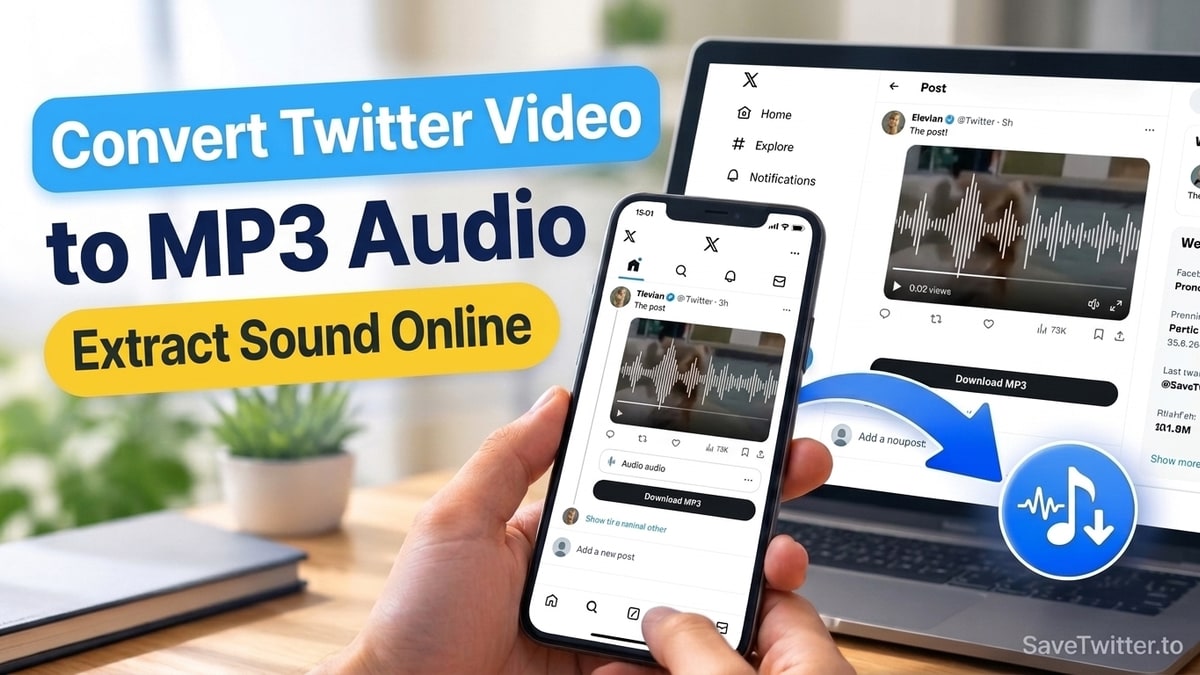
Yes—you can extract the audio track from any public Twitter (X) video and save it as a standalone audio file in just a few seconds using our Twitter to MP3 Converter. Whether you want to listen to a 90-minute X interview offline on a flight, grab a funny voiceover for a CapCut edit, or save a musician's unreleased acoustic demo posted in a tweet, extracting the audio alone saves up to 90% of the storage space compared to downloading a full 1080p MP4 video.
Here is how Twitter encodes audio behind the scenes, what audio quality you actually get, and how to save Twitter audio on iPhone, Android, and desktop computers.
How Twitter Stores Audio Inside Video Tweets
When a creator uploads a video or a voice tweet to X, the platform encodes the sound using the AAC-LC (Advanced Audio Coding) codec at a 44.1 kHz or 48 kHz sample rate (typically around 128 kbps stereo).
When you paste a link into our Twitter to MP3 Downloader, SaveTwitter reads the media manifest from Twitter's CDN (video.twimg.com) and gives you a dedicated Audio download option right alongside the standard video resolutions. Instead of recording your speaker output or running lossy multi-stage conversions, our worker pulls the direct audio stream from the source container so voices stay crisp and clear.
| Download Type | Typical File Size (10-Minute Clip) | Plays With Phone Screen Locked? | Best Use Case |
|---|---|---|---|
| Twitter Audio / MP3 Track | ~9 MB – 11 MB | Yes (in Files, VLC, or Music apps) | Podcasts, interviews, speeches, soundbites |
| 1080p Full HD MP4 Video | ~85 MB – 140 MB | Requires background-play video player | Tutorials with visual charts, sports clips |
| 360p SD MP4 Video | ~22 MB – 35 MB | Requires video player | Quick visual previews on slow mobile data |
Step-by-Step: Convert a Twitter Video to MP3 on Any Device
Follow these three steps in Safari, Chrome, Firefox, or Edge:
1. Copy the Link to the Video or Voice Tweet
Open the post on X (Twitter) that contains the audio you want to extract. Tap the Share icon below the video player and select Copy link.
2. Paste the URL into SaveTwitter's MP3 Tool
Open our Twitter to MP3 Converter in your browser, tap the Paste button inside the input field, and click the blue Download button.
3. Click "Download MP3 audio" (or the Audio Row)
Once the results table loads below the form, look for the Audio format row (or the Download MP3 audio button) and tap Download. The extracted audio file will immediately begin downloading to your device.
Where Do Downloaded Twitter Audio Files Go on iPhone vs Android?
On iPhone and iPad (iOS)
Unlike video files, iOS does not store audio-only .mp3 or .m4a files inside the Photos (Camera Roll) app. Instead, Apple stores all downloaded audio inside the built-in Files app:
- Tap the blue Downloads arrow in your Safari address bar and tap Downloads, or open the Files app from your home screen and go to
On My iPhone → Downloads. - Tap the downloaded audio file to play it right inside the Files app—it will keep playing in the background even when you lock your iPhone screen!
- Want to import the soundbite into CapCut, iMovie, or GarageBand? Tap and hold the audio file in the Files app, tap Share, and select your editing app.
On Android Phones and Tablets
On Android, Chrome and Samsung Internet save the audio file straight into your internal Downloads folder (/storage/emulated/0/Download/). You can open it immediately from the Files by Google app, Samsung My Files, VLC for Android, or your default music player.
Why Is There No Audio Option on Some Twitter Links?
If you paste a tweet link into SaveTwitter and only see a silent video stream with no audio download row, check these two possibilities:
- The post is actually a Twitter GIF: Any post with a small black GIF badge in the bottom-left corner of the player is a silent looping animation. Even though X stores GIFs inside
.mp4containers (which you can grab with our Twitter GIF Downloader), they never contain an audio track. - The creator uploaded a muted video: Sometimes users upload screen recordings or security camera footage that had no microphone channel recorded in the first place.
Need the full video with picture and sound instead? Switch over to our Twitter to MP4 Downloader, or read our troubleshooting guide on why a Twitter video download has no sound.