
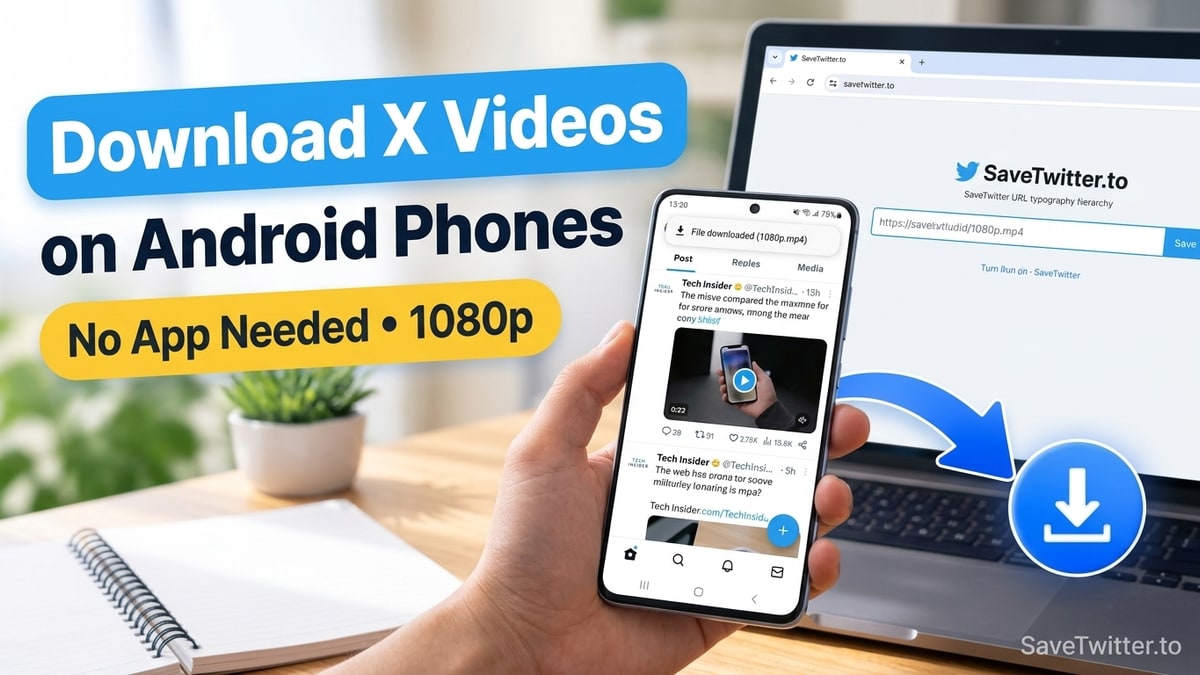
Yes—downloading a video from X (Twitter) on an Android phone or tablet is even faster than on an iPhone because Android browsers save .mp4 files directly into your system Downloads folder, where your Gallery and Google Photos apps index them automatically. You do not need to install an APK or give Play Store downloader apps permission to read your storage.
Here is how to grab any public Twitter video, looping GIF, or audio clip on Samsung Galaxy, Google Pixel, Xiaomi, OnePlus, Motorola, or any other Android device in original 1080p HD quality.
Why Browser Downloading Beats Play Store "Twitter Video Saver" Apps
If you search the Google Play Store for a Twitter downloader, you will find dozens of utility apps that ask for storage permissions, run background notification services, and force you to watch a 30-second unskippable game ad before every single download. Worse yet, whenever X updates its URL format (like transitioning from twitter.com to x.com), Play Store apps frequently break for weeks waiting on an update.
Using a web-based extractor like SaveTwitter.to in Chrome or Samsung Internet gives you three practical advantages:
| Feature | SaveTwitter.to in Android Browser | Play Store Downloader Apps |
|---|---|---|
| Storage Space Used | 0 MB (runs in browser) | 45 MB – 120 MB installed size |
| 30-Second Forced Video Ads | No | Almost every download |
Supports x.com & Multi-Video Grids | Yes (updated server-side) | Frequently breaks after X updates |
| Resolution Selection | Full table (1080p, 720p, 480p, 360p) | Often locks 1080p behind "Pro" IAP |
Step-by-Step: Save a Twitter Video to Your Android Gallery
This workflow works on Android 10 through Android 15 across Chrome, Samsung Internet, Brave, Firefox, and Opera:
1. Copy the Link from the X Android App
Open the X app on your Android phone and locate the tweet with the video you want to download. Tap the Share icon below the video (three connected dots < or an upward share arrow) and tap Copy link.
2. Paste the Link on SaveTwitter.to
Open Chrome (or your preferred mobile browser) and visit SaveTwitter.to. Tap the Paste button inside the input field at the top of the screen, then tap the blue Download button.
3. Select Your MP4 Quality and Save
Wait about two seconds for the resolution table to load below the form:
- Tap Download next to 1080p (or 720p) to get the sharpest Full HD MP4 stream.
- If a high-bitrate video displays Prepare video, tap that button once and wait for the percentage counter to reach
100%, then tap Download video.
Your Android browser will display a brief "Downloading file…" toast notification at the top or bottom of your screen, followed by "File downloaded — Open".
Where to Find Downloaded Twitter Videos on Android
Once the download finishes, your .mp4 file is stored in /storage/emulated/0/Download/ (your phone's main Downloads folder). Depending on your phone brand, here is where to open it:
On Samsung Galaxy Phones (One UI)
- Open the Samsung Gallery app, tap the Albums tab at the bottom, and open the Downloads album. Your Twitter video is right there.
- Alternatively, open the My Files app and tap Downloads or Videos.
On Google Pixel, Motorola, Xiaomi, and OnePlus
- Open the Google Photos app.
- Tap Collections (or Library) in the bottom navigation bar.
- Under On this device, tap the Download folder. From there you can play the clip, trim it, or share it directly to WhatsApp, Telegram, Instagram, or TikTok.
Why isn't a freshly downloaded video showing up in my Gallery yet?
Occasionally, Android's background media scanner takes 10–15 seconds to index a new file saved by a browser. If you don't see the video in your Gallery app immediately, open the Files by Google (or My Files) app, tap Downloads, and play the .mp4 file once—that forces Android to add it to your Gallery immediately.
Pro Tip: Add SaveTwitter to Your Android Home Screen Like a Native App
Want 1-tap access from your home screen without installing anything from the Play Store? SaveTwitter includes a Web App Manifest so you can pin it like a lightweight app:
- Open SaveTwitter.to in Google Chrome or Samsung Internet on your Android phone.
- Tap the three-dot menu (
⋮) in the top-right corner of Chrome. - Tap Add to Home screen and confirm by tapping Add.
You now have a clean SaveTwitter icon on your Android home screen that launches straight into the downloader in full screen.
Downloading GIFs, MP3 Audio, and Multi-Photo Grids on Android
- Twitter to MP4 in specific sizes: Need a compact 480p or 360p file so you can send a 5-minute clip over WhatsApp's file-size limit? Use our Twitter to MP4 Downloader and pick a smaller resolution row.
- Saving Twitter GIFs on Android: Paste any tweet with a GIF into our Twitter GIF Downloader. It saves as a silent looping
.mp4clip that WhatsApp, Telegram, and Discord recognize automatically. - Converting Twitter videos to MP3 on Android: Want to save a podcast clip or music snippet to play in your Android audio player? Use our Twitter to MP3 Converter.
- Saving 4-photo tweets or batch links: Use our Twitter Photo Downloader to save original-resolution images (or a single
.ziparchive), or paste up to 5 tweet links at once in our Twitter Bulk Downloader.