
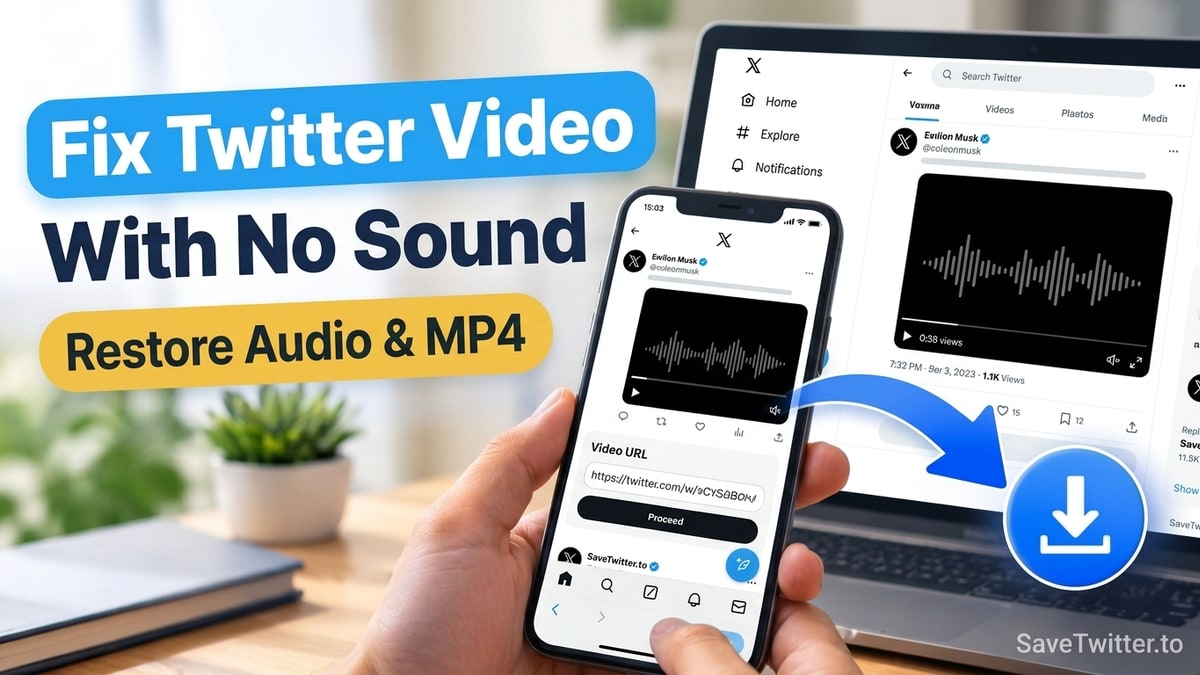
Yes—if you downloaded a Twitter (X) video that had sound in the app, but the saved .mp4 file plays back completely silent on your phone or computer, you are dealing with a very common technical quirk in how X delivers video and audio streams.
Fortunately, you do not need desktop video editing software to fix it. Below are the four exact reasons a downloaded Twitter clip has no sound and how to get a working MP4 with synchronized stereo audio using SaveTwitter.to.
Cause 1: Separated Video and Audio Streams (And Why "Prepare Video" Fixes It)
On most short uploads, Twitter stores both the H.264 video frames and the AAC audio track muxed together inside a single .mp4 file. However, on high-bitrate 1080p uploads, longer X Premium videos, and certain live broadcast replays, Twitter splits the media into two separate streams:
- One high-resolution video-only stream (containing 0 audio channels)
- One separate
.m4a/ AAC audio-only stream
If you use a basic browser extension or a raw CDN link scraper, it grabs the video-only stream and leaves the sound behind!
| What You See in SaveTwitter's Table | What It Means Technically | How to Get Full Video + Sound |
|---|---|---|
Direct Download button | Video and audio are already combined in one .mp4 file on Twitter's CDN | Click Download — sound is included automatically |
Prepare video button | Twitter stored the 1080p video and audio in separate streams | Click Prepare video, wait for 100%, then click Download video |
Silent GIF / tweet_video card | The original post on X is a looping GIF (no audio track exists) | GIFs on X never have sound |
The Fix: Use the "Prepare video" Button or Pick a Muxed MP4 Row
When you paste your link into our Twitter to MP4 Downloader, SaveTwitter checks whether each resolution already contains an audio track:
- If a resolution requires combining the video and sound tracks, the Action button says Prepare video. Click Prepare video once, let the progress counter reach
100%, and click Download video—our media worker merges the video and audio into one standard MP4 for you. - Alternatively, if you need an instant 1-click download without waiting for preparation, check the 720p row right below 1080p—Twitter almost always stores a pre-combined (muxed) video+audio MP4 at 720p!
Cause 2: The Post Is Actually a Twitter GIF, Not a Video
Look closely at the bottom-left corner of the post on X. Does it have a small black GIF badge instead of a time scrubber (0:15) and a speaker icon?
As we explain on our Twitter GIF Downloader page, X converts every uploaded .gif animation into an .mp4 video file hosted at video.twimg.com/tweet_video/. Because the downloaded file ends in .mp4, many people expect it to have sound—but GIFs on Twitter are 100% silent by design and contain zero audio data.
Cause 3: The Video Player in Your Browser or Gallery Starts Muted
Before re-downloading the file, double-check that your device's media player didn't simply start playback on mute:
- On iPhone (iOS Photos & Files): When you open a video inside the iOS Photos app or Safari's preview player, look at the bottom-right corner of the video frame for a crossed-out speaker icon (
🔇). Tap it to unmute, and make sure the physical Ring/Silent switch (or Action button) on the side of your iPhone isn't muting media preview. - On Android (Google Photos / Gallery): Google Photos often remembers your last mute state when previewing clips in the
Downloadsfolder. Tap the center of the video and check the speaker toggle in the bottom corner. - On Windows 10/11 Movies & TV App: If a video uses an unusual audio profile, the default Windows player sometimes mutes the channel. Open the file in VLC Media Player or Chrome to verify that the sound is present.
Cause 4: You Only Need the Sound Track (Use Twitter to MP3)
What if the video frames don't matter to you and you just want to make 100% sure you capture the voiceover, interview, or song?
Paste the tweet URL into our Twitter to MP3 Converter and click Download MP3 audio. That pulls the dedicated audio stream by itself so you can verify immediately that the source tweet has working sound. And if you are troubleshooting blurry video quality at the same time, check out our guide on why downloaded Twitter videos look blurry.