
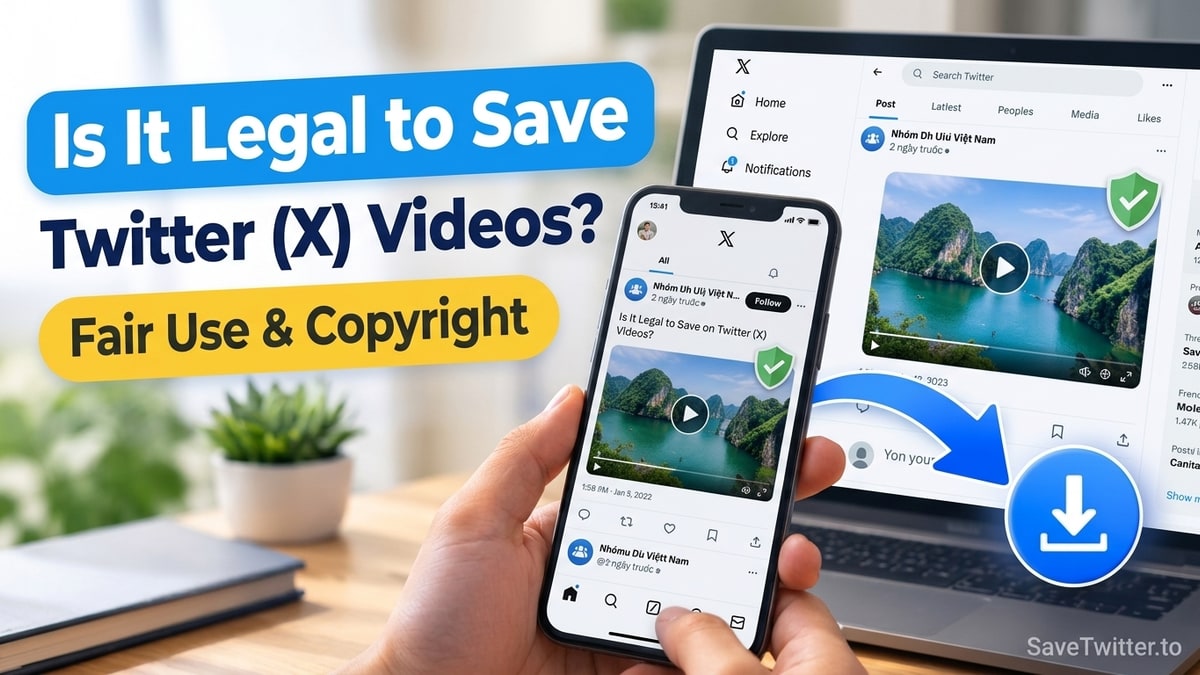
Yes—downloading a public Twitter (X) video for personal offline viewing, backing up your own posts, or saving content with the creator's permission is generally lawful, whereas stealing someone else's original video to re-upload and monetize it as your own without permission is copyright infringement.
Because there is a lot of confusion between what a website's Terms of Service say and how copyright law actually works, this guide breaks down the difference in plain English—plus whether X notifies the person who posted the tweet when you download their video.
Disclaimer: This article is for informational and educational purposes only and does not constitute formal legal advice. Always consult a qualified attorney for specific legal questions regarding commercial media licensing.
Does Twitter (X) Notify Creators When You Download Their Video or GIF?
No. X does not have a "downloaded by" notification feature, and using an external web tool like SaveTwitter.to is completely invisible to the person who posted the tweet:
- When you paste a public tweet link into our Twitter Video Downloader, our server reads the public media URL from Twitter's Content Delivery Network (
video.twimg.comorpbs.twimg.com). - To Twitter's CDN servers, downloading an
.mp4stream looks identical to a normal browser playing the video in a web tab. - Because you never log in with your X account on SaveTwitter, your username is never connected to the request.
Personal Offline Viewing vs. Unauthorized Re-Uploading
To understand the legal line around downloading social media videos, you only need to ask one question: What are you doing with the file after it saves to your device?
| How You Use the Downloaded Twitter Video | Copyright & Practical Status | Best Practice |
|---|---|---|
| Backing up your own tweets, videos, or voice notes | 100% Yours (you own the copyright to your original work) | Use Twitter Bulk Downloader to archive your posts |
| Watching offline on a flight or commute | Personal time-shifting (private use on your own device) | Keep the file for personal viewing only |
| Sharing a funny GIF or clip in a private group chat | Standard personal sharing | Credit the source or link the tweet if asked |
| News reporting, critique, education, or commentary | Protected under Fair Use / Fair Dealing (when transformative) | Keep clips brief, add original commentary, and credit @username |
| Reposting someone's full video on TikTok/YouTube for ad revenue | Copyright Infringement (DMCA violation) | Do not do this without written permission or a license |
When Can Creators Legally Use a Downloaded Twitter Clip? (Fair Use Basics)
Journalists, documentary filmmakers, YouTube essayists, teachers, and commentary creators use our Twitter to MP4 Converter and Twitter Photo Downloader every day to include public tweets in their work. Under US Copyright Law (Section 107 Fair Use) and similar Fair Dealing doctrines in the UK, EU, Canada, and Australia, quoting a short clip without prior permission is generally permitted when your work is transformative:
- Purpose and character of use: You are critiquing, fact-checking, reporting news, parodying, or educating—not simply re-uploading an entertainment clip unaltered to farm views.
- Amount and substantiality used: You only include the specific 5-to-15-second excerpt necessary to make your point, rather than re-uploading a creator's entire 10-minute short film or paid animation.
- Market effect: Your commentary video does not act as a market substitute that steals revenue from the original creator's work.
- Always attribute the creator: Even when Fair Use applies, visibly displaying the creator's
@handleon screen and linking to their original tweet in your description is basic creative ethics.
What About Music Inside Twitter Videos?
Be extra careful when downloading a video or extracting audio via our Twitter to MP3 Converter if the clip contains a commercial pop song from Universal, Sony, or Warner Music. Even if the person who tweeted the video gives you permission to reuse their footage, they usually do not own the commercial synchronization rights to the background song—which means uploading that audio to YouTube or Twitch will trigger an automated Content ID claim.
How SaveTwitter Respects Creator Rights and DMCA Requests
SaveTwitter.to is an independent technical utility designed for personal archiving, offline accessibility, and lawful fair use. We operate under three strict rules:
- Zero permanent media hosting: We do not build a searchable database of third-party videos or store user downloads on our servers.
- No circumvention of private accounts: We never bypass protected (
🔒) account locks or private Direct Messages. - Prompt copyright exclusion: Copyright owners who wish to block specific tweet URLs from being resolved through our gateway can contact our team at
contact@savetwitter.tovia our Terms of Use and Contact pages.